How to Make a Private Call and Hide Your Phone Number Easily
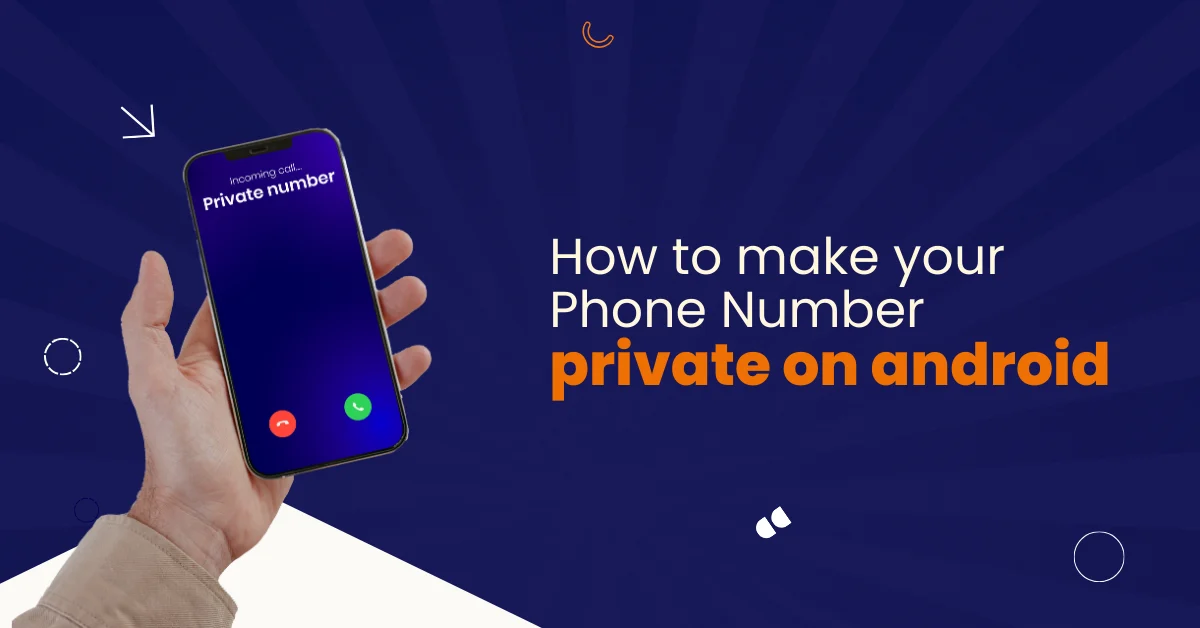

Table of Contents
Privacy has become essential in daily communication. Many people want control over how their phone number appears during calls. Others want protection from spam, tracking, or unwanted callbacks.
At Vitel Global, we help individuals and businesses manage outbound calls securely. Some users want private calls. Others need toll-free numbers. The goal remains simple. Stay protected. Stay reachable.
This guide explains how to make a private call, how to make your phone number private, and how to remove your number from private number mode. The steps work for Android, iPhone, mobile carriers, and calling apps.
What Does Making a Private Call Mean?
A private call hides your caller’s phone number from recipients.
Instead of showing your real phone number, the receiver sees “Private Number” or “Unknown Number.” This happens using caller ID blocking. Phone settings, service providers, or calling apps manage this feature.
Why People Choose to Hide Their Phone Number
People hide phone numbers to protect their privacy and identity.
- Avoid spam callbacks from unknown numbers during outbound phone calls
- Protect your real phone number while calling unfamiliar contacts safely
- Separate personal and business calls without sharing private details
- Prevent storing your phone number in contact lists permanently
- Stay anonymous when calling people you do not know
How Caller ID Works During Phone Calls
Caller ID sends your phone number during outbound calls.
Your phone app sends the number to the mobile carrier. The carrier shares it with the receiver’s phone company. If caller ID blocking is active, the number stays hidden.
Caller ID depends on several layers.
- Phone app configuration controls the caller ID display behavior
- SIM card settings manage number visibility per calling account
- Mobile carrier rules enforce caller ID blocking policies
- Supplementary services handle network-level caller ID delivery
- Calling apps may override default phone settings unexpectedly
How to Make Your Phone Number Private on Android
Android phones include built-in caller ID options.
These steps work on most Android phones and carriers.
Step-by-Step Android Instructions
- Open the Phone app
- Tap the three dots menu
- Select Settings
- Tap Calling accounts
- Choose your SIM card
- Select Additional settings
- Tap Caller ID
- Choose Hide number
Your phone number is now private for outgoing calls.
How to Hide Your Number for a Single Call on Android
You may need privacy for one call only.
This method does not change phone settings.
- Dial *67 before the phone number for single outbound calls
- Caller ID hides only for that specific phone call
- Works across most Android phones and mobile carriers
- Automatically resets after the call completes successfully
- Useful for temporary privacy without permanent setting changes
How to Make Your Phone Number Private on iPhone
iPhones offer simple caller ID control.
You can hide your number using Settings.
Step-by-Step iPhone Instructions
- Open the Settings app
- Tap Phone
- Select Show My Caller ID
- Turn the toggle off
All outbound calls now appear as private.
How to Hide Caller ID for One Call on iPhone
iPhones support single-call blocking.
- Dial *67 before calling to block the caller ID once
- Hides phone number for that single outgoing call
- Does not change permanent phone settings on the device
- Works with most mobile carriers and service providers
- Useful when privacy is needed for short conversations
How to Remove My Number From Private Number Mode
Many users forget that caller ID blocking is active.
This causes missed calls.
Steps to Unblock Caller ID
- Open phone settings and access the caller ID settings menu
- Select show number instead of hide number option
- Save changes to apply the new caller ID behavior
- Test by making a new outbound call
- Confirm your real phone number displays correctly
Why Some Calls Still Show Private Number
Private mode may stay enabled unexpectedly.
This often happens due to carrier or app conflicts.
- Mobile carrier enforces default caller ID blocking rules
- Calling apps override phone settings without user notice
- Wrong SIM card selected on dual SIM phones
- Software updates reset the caller ID configuration automatically
- Google Voice conflicts with default phone app settings
Role of Mobile Carriers in Private Calls
Your mobile carrier controls network-level caller ID.
Some carriers require activation.
Others restrict features by plan.
- Carrier controls caller ID visibility at the network level
- Some plans restrict the hide number functionality completely
- Support teams can reset caller ID services quickly
- Dual SIM users must check carrier rules separately
- International calls follow different caller ID regulations
Using Google Voice to Make Private Calls
Google Voice provides a second phone number.
It protects your real number.
- Provides a different phone number for outbound calls
- Works on Android, iPhone, and desktop browsers
- Supports text messages and voicemail features
- Allows caller ID control without carrier settings
- Ideal for privacy-focused personal and business calls
Using a Burner Number or Second Phone Number
A burner number is temporary and disposable.
It avoids sharing your real number.
- Useful for short-term communication needs only
- Commonly used for online forms and listings
- Protects the real phone number from unknown contacts
- Works through free app or paid services
- Avoids caller ID blocking and trust issues
How Dual SIM Phones Handle Private Calls
Dual SIM phones manage caller ID per SIM.
Each SIM has its own rules.
- Select the correct SIM card before dialing phone numbers
- Configure the caller ID separately for each SIM
- Carrier rules differ between primary and secondary SIMs
- Software updates may reset SIM-specific settings
- Always test calls after changing SIM preferences
Can Emergency Services See Private Numbers?
Yes. Emergency services always see your number.
Caller ID blocking never hides your identity from emergency services. This ensures safety, accurate response, and location tracking during emergencies. Never rely on private calls when contacting emergency services.
Why Private Calls Often Go Unanswered
Many people ignore private numbers today.
This reduces call success.
- Private numbers appear suspicious to most call recipients
- Spam and scam calls increased the fear of unknown callers
- Businesses calling privately lose trust instantly
- Users block private numbers by default settings
- Answer rates drop significantly for a hidden caller ID
Private Calls vs Toll-Free Numbers for Businesses
Businesses should avoid private calls.
Toll-free numbers build trust.
At Vitel Global, we help businesses move beyond hidden numbers.
- Toll-free numbers improve call pickup rates dramatically
- Customers trust visible numbers more than private calls
- Protects employees’ personal phone numbers securely
- Supports call tracking and analytics easily
- Works across regions without area code confusion
Best Practices When Making Private Calls
Private calls should be used carefully.
- Use private calls only when privacy is truly required
- Avoid hiding the caller ID for known contacts
- Inform recipients before calling from a private number
- Switch back to the show number after use
- Test settings before important outbound calls
When You Should Not Hide Your Caller ID
Private calls are not always appropriate.
Avoid hiding your number when:
- Calling banks or financial institutions for support
- Contacting business clients or professional contacts
- Reaching customer service or service providers
- Calling elderly people who avoid unknown numbers
- Making important follow-up or confirmation calls
How Vitel Global Helps With Secure Calling Solutions
At Vitel, we focus on smart communication.
We help users stay private without losing trust.
Our solutions include:
- Toll-free numbers for professional outbound calling
- Caller identity management without exposing real numbers
- Cloud-based calling platforms for scalable communication
- Compliance-ready solutions for regulated industries
- Reliable service backed by enterprise-grade infrastructure
Final Thoughts: Stay Private, Stay Reachable With Vitel
Learning how to make a private call gives you control. But hiding your phone number should never block trust or connection.
Private numbers protect identity. Trusted numbers get answered.
At Vitel Global, we help you balance privacy and visibility with smarter calling solutions. If you want better results than private calls, Vitel is ready to help.
Call Smarter Without Staying Hidden — Talk to Vitel
Hiding your phone number should not block communication; Vitel enables outbound calling with toll-free numbers and platforms.
Frequently Asked Questions
1. How to make a private call on Android?
To make a private call on Android, open the Phone app and tap the three dots. Select Settings, then Calling accounts. Choose your SIM card, open Additional settings, tap Caller ID, and select Hide number. All outgoing calls will now show private.
2. How to make your phone number private on iPhone?
To hide your phone number on iPhone, open the Settings app and tap Phone. Select Show My Caller ID and turn the toggle off. This hides your phone number for all outgoing calls until you manually enable the setting again.
3. How do I remove my number from private number mode?
To remove private number mode, open your phone settings and go to caller ID settings. Select Show number instead of Hide number and save changes. Make a test call to confirm your real phone number displays correctly again.
4. How to hide the caller ID for a single call only?
To hide the caller ID for one call, dial *67 before entering the phone number. Place the call normally. This blocks your caller ID for that call only. Your phone settings automatically return to normal after the call ends.
5. Can I hide my phone number using a free app?
Yes, you can hide your phone number using a free app like Google Voice. It gives you a second phone number for calls and text messages. This protects your real phone number without changing mobile carrier or phone settings.
6. Does caller ID blocking affect text messages?
Caller ID blocking usually does not affect text messages. Most messaging services still show your phone number when sending texts. Caller ID settings mainly apply to phone calls and outbound voice communication, not standard SMS or chat apps.
7. Will emergency services see my number during private calls?
Yes, emergency services always see your real phone number. Caller ID blocking never hides your identity from emergency services. This ensures public safety, faster response times, and accurate location tracking during emergencies.
8. Is a burner number better than hiding the caller ID?
A burner number is often better than hiding the caller ID. It gives you a different phone number instead of blocking your identity. This improves call pickup rates while still protecting your real phone number during short-term or privacy-focused communication needs.
Published: December 18th, 2025
Subscribe to Our Latest Updates
Get monthly product and feature updates, the latest industry news, and more!