AI-Powered Video Meeting Platform for Education
Host virtual classes, meetings, webinars, and sessions with HD video, AI transcripts, recordings, and analytics using a video conference platform for Education, while Vitel Meet helps manage academic communication with better visibility through a video meeting platform for Education.
- AI transcripts and smart summaries
- Approved recordings and meeting records
- Access controls and analytics dashboards
One Video Meeting Platform for Classes, Reviews, and Parent Conversations
Vitel Meet helps education teams manage academic discussions, faculty meetings, and student interactions more efficiently, with AI summaries, recordings, and analytics making every session easier to review and track, while a connected virtual meetings platform for education improves clarity, collaboration, and decision-making.

Meetings & Webinars
Host classes and meetings easily.
Schedule Meetings
Plan sessions smoothly.
Instant Invites
Share quick access links.
User Management
Manage users in one place.
Access Controls
Secure meetings with permissions.
Vitel Meet Across Platforms
Connect teachers, students, administrators, and academic teams through video meetings. Support online classes, faculty discussions, virtual training, and academic planning.


How Vitel Meet Solves Education Communication
with Online Meeting Platform
| Challenge | Vitel Meet Solution |
|---|---|
Scattered class notes and meeting records |
AI Transcripts and Smart Summaries : Help teachers and administrators revisit key points faster. |
Missed follow-ups after parent or student meetings |
Smart Recaps : Identify discussion outcomes, next steps, and follow-up requirements with ai meeting note for Education workflows. |
Manual documentation pressure |
AI Summaries and Transcripts : Reduce dependency on manual note-taking after important sessions. |
Limited visibility for leadership |
Participant Analytics and Dashboards : Help leaders review attendance, engagement, and meeting performance. |
Separate tools for classes, recordings, and reports |
Connected Meeting Records : Keep meetings, recordings, screen sharing, transcripts, summaries, and analytics together. |
Uncontrolled access to academic discussions |
User Management and Access Controls : Support better governance with smart rooms and role-based settings. |
Virtual Meetings Platform for Education Use Cases
AI Meeting Notes for Education for Academic Clarity
Education meetings often include updates on learning, parent concerns, faculty decisions, training points, and administrative actions. Vitel Meet helps teams capture those details with AI-powered meeting intelligence and AI meeting for Education workflows.
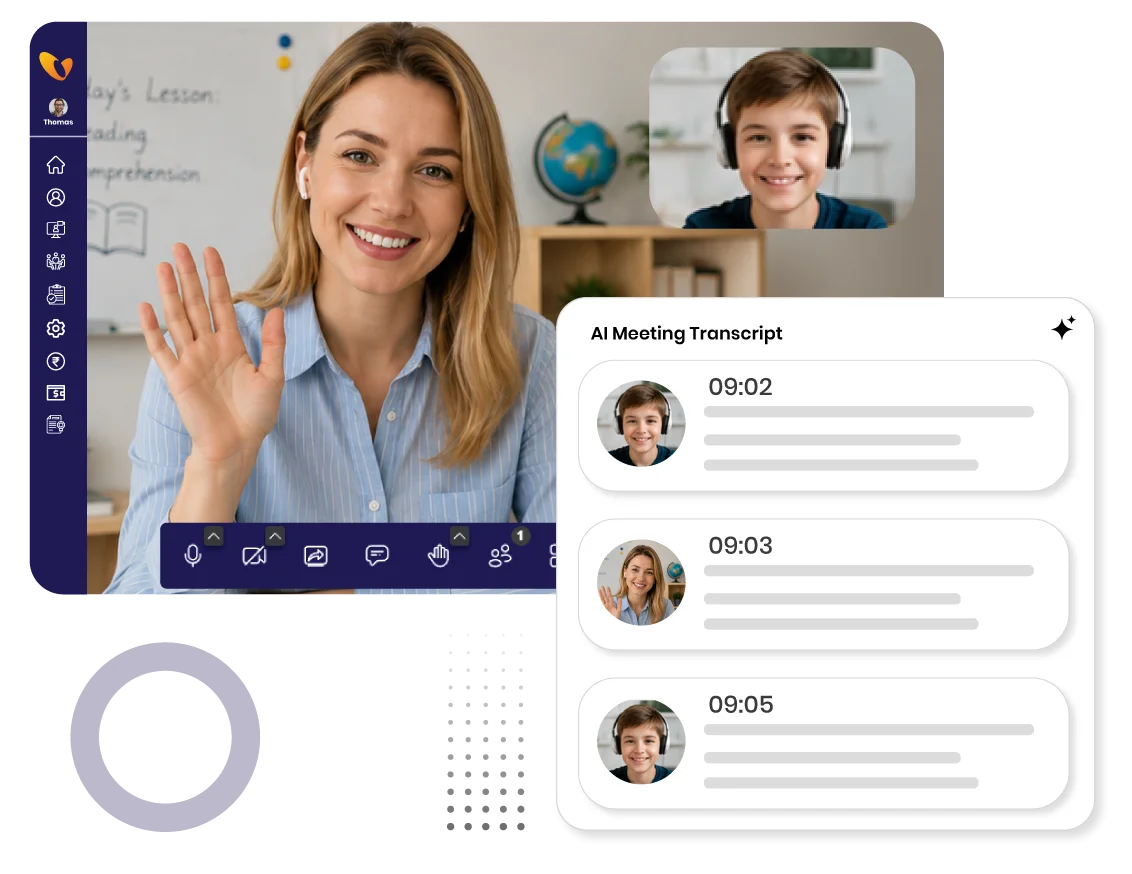
AI Transcripts
Convert meetings into readable transcripts so teachers and administrators can revisit important points later with meeting transcript for Education support.
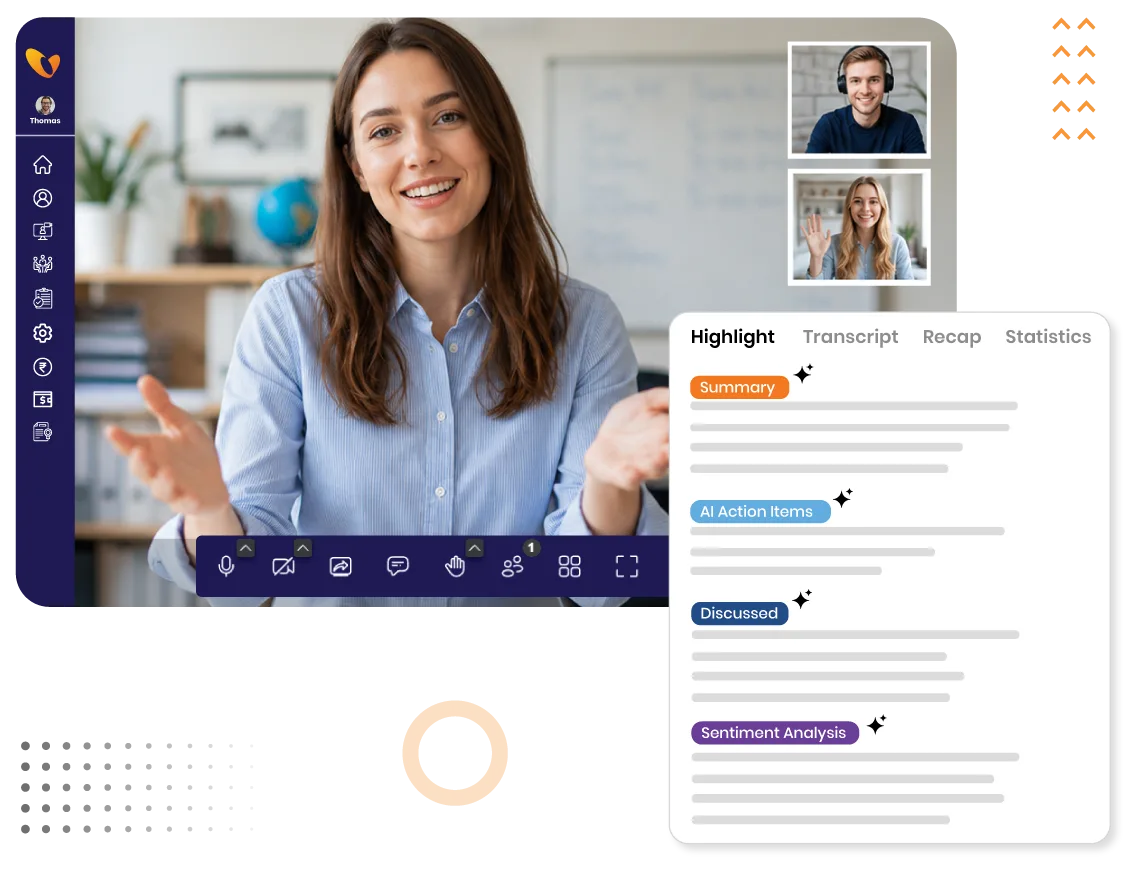
Smart Summaries
Create quick meeting recaps that help teams review what was discussed without replaying the full session using a meeting summary education output.
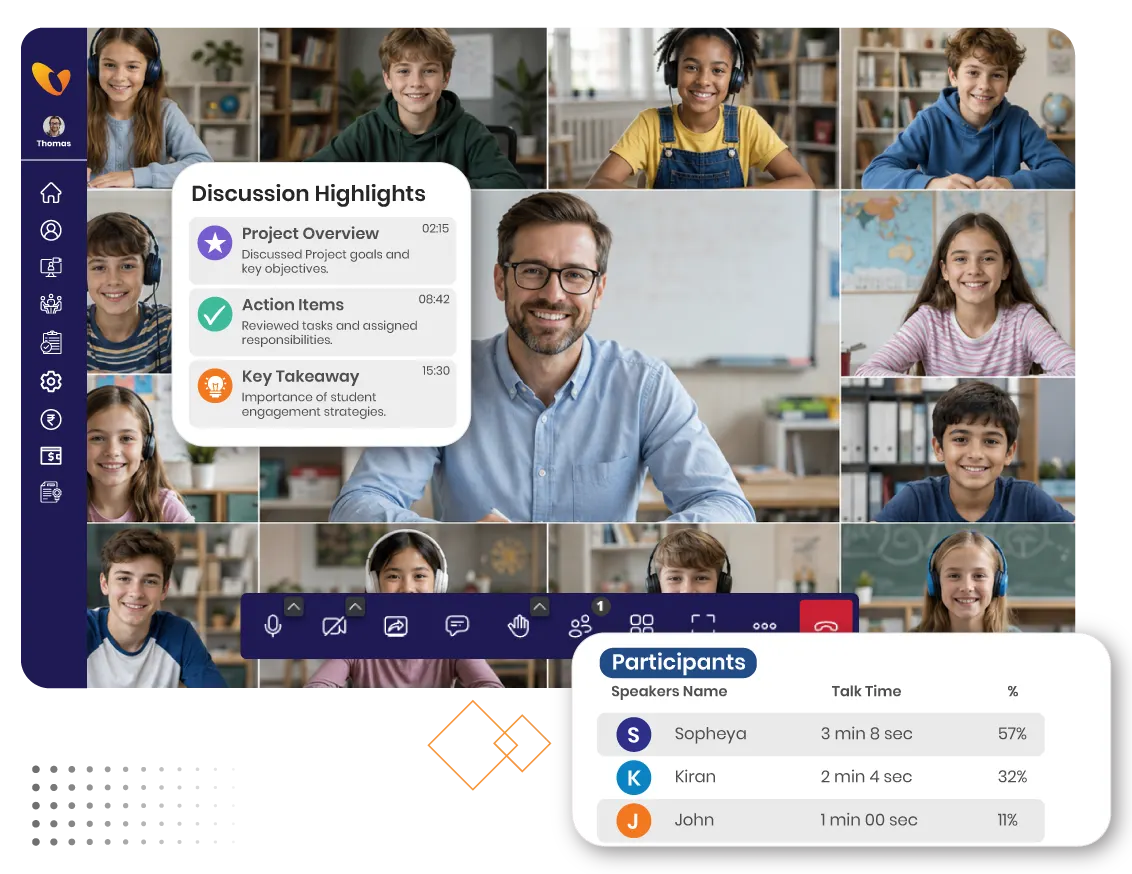
Discussion Highlights
Identify key parts of the meeting so users can focus on important learning, planning, or follow-up points.
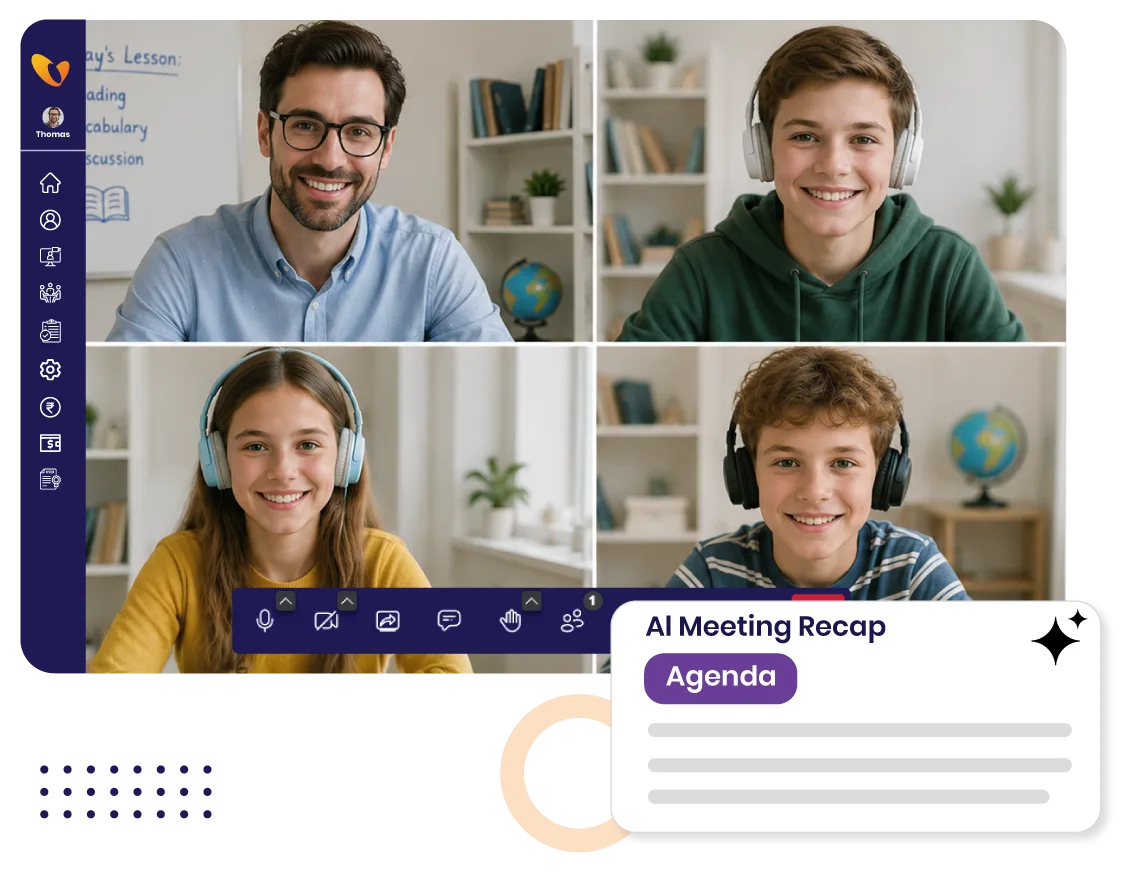
Post-Meeting Review
Use summaries, recordings, analytics, and meeting notes ai Education support for documentation, training, and internal academic review.
Make Every Class and Meeting More Effective with Vitel Meet
Capture lessons, discussions, and decisions with AI-powered transcripts and summaries designed for education teams.
Virtual Meetings Platform for Education for
Team Visibility
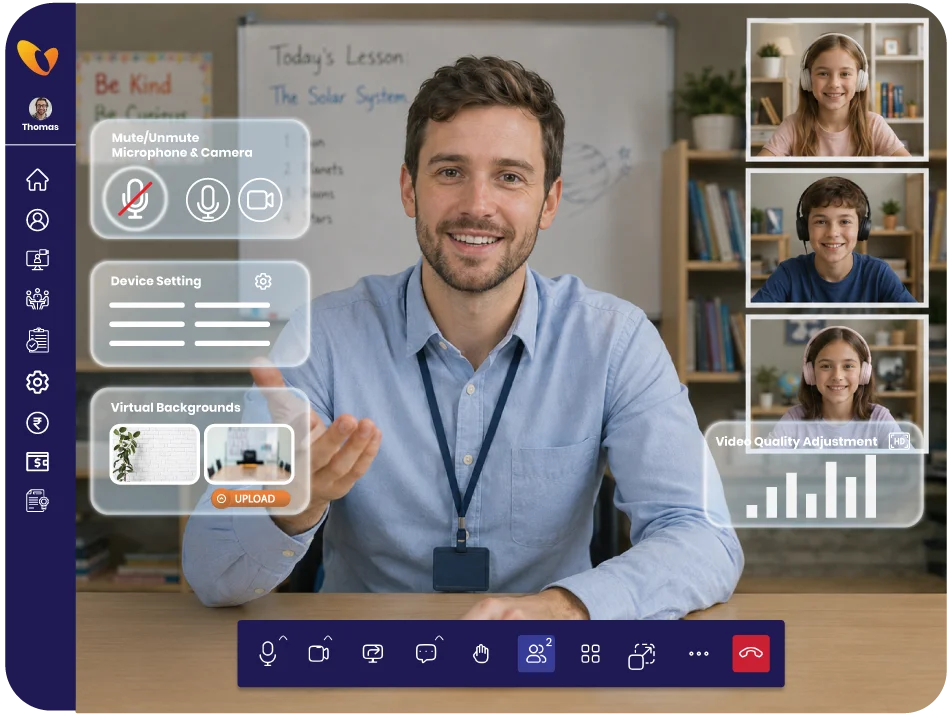
Audio & Video Controls
Support virtual classes, faculty meetings, parent discussions, and academic reviews with simple meeting controls.
Mute/Unmute Microphone & Camera: Quickly manage audio and video during classes, reviews, and group discussions.
Device Settings : Switch microphones, cameras, and speakers easily for smoother academic sessions.
Virtual Backgrounds : Maintain a professional setting during online classes, staff meetings, and parent interactions.
Video Quality Adjustment : Keep sessions clear even when network conditions vary across participants.
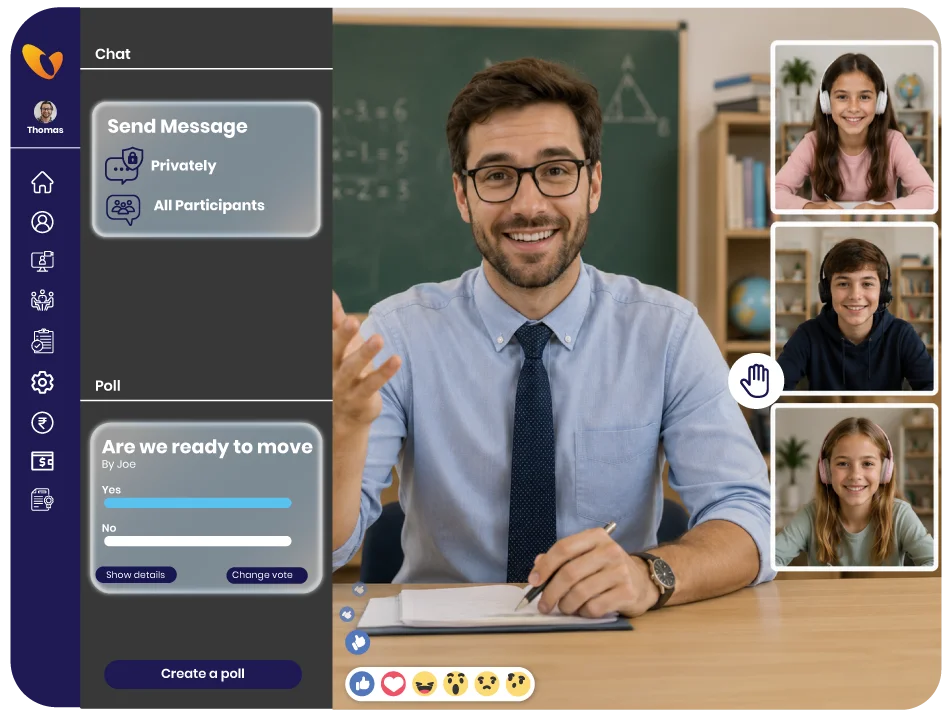
Interactive Learning and Collaboration
Make education sessions more participatory for students, faculty, staff, and parents.
Live Chat: Allow students, teachers, and participants to share questions or comments during sessions.
Reactions : Encourage quick feedback during classes, webinars, training sessions, and academic discussions.
Breakout Rooms: Split participants into smaller groups for projects, workshops, discussions, or faculty planning.
Live Subtitles: Improve accessibility and understanding during online classes and academic meetings.
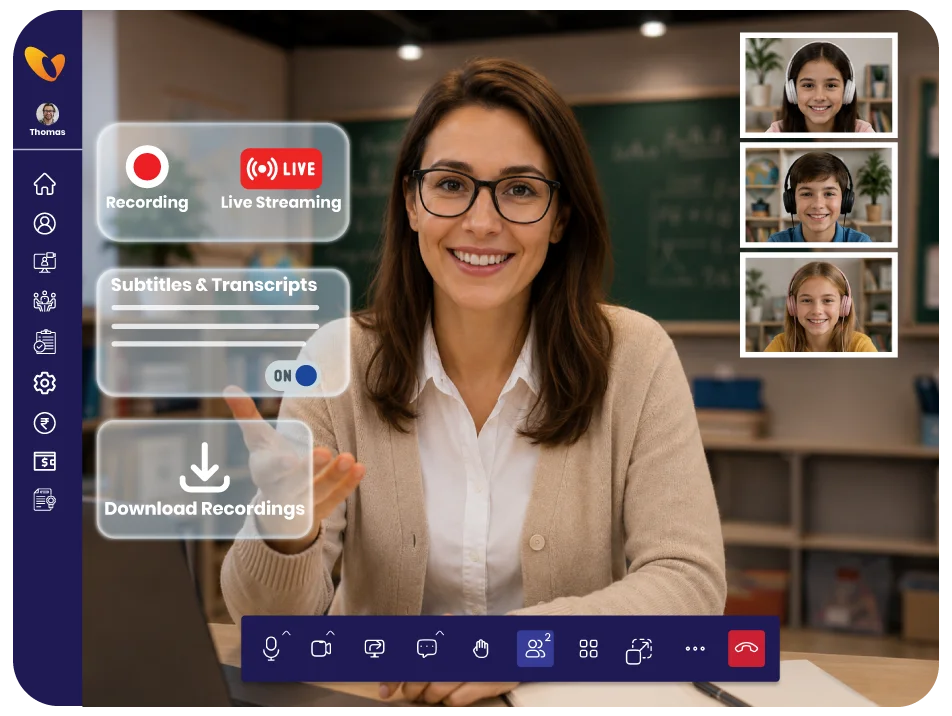
Meeting Records and Academic Review
Help education teams preserve important sessions, decisions, and learning context for later use.
Meeting Recording : Record approved classes, training sessions, webinars, and review meetings.
AI Transcripts: Create searchable records of academic discussions without relying only on manual notes.
AI Summaries: Turn long sessions into clear recaps for faster review and follow-up with meeting summary ai for Education support.
Downloadable Records: Save approved meeting files for training, reference, or administrative review.
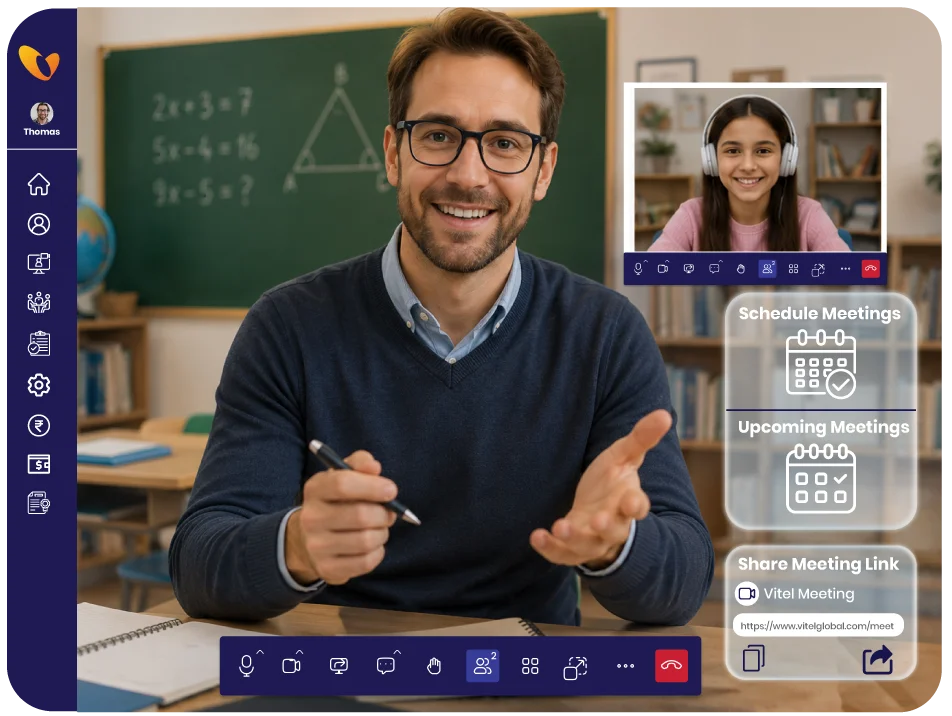
Organized Education Meeting Planning
Help institutions plan and manage recurring academic conversations with better coordination.
Schedule Meetings : Plan classes, faculty reviews, parent meetings, admissions calls, and leadership sessions.
Instant Invites: Share quick meeting access with students, parents, teachers, and staff.
Meeting Reminders: Reduce missed sessions with timely meeting notifications.
Calendar Coordination: Keep academic meetings easier to organize across teams and departments.
User and Team Management
Give education leaders better control over users, roles, departments, and meeting activity.
User Management : Manage faculty, students, administrators, and staff from one organized system.
Role-Based Access: Control who can host, join, record, or manage academic meetings.
Account Preferences: Set meeting preferences based on institutional and department needs.
Participant Analytics: Review attendance, engagement, and meeting activity across sessions.
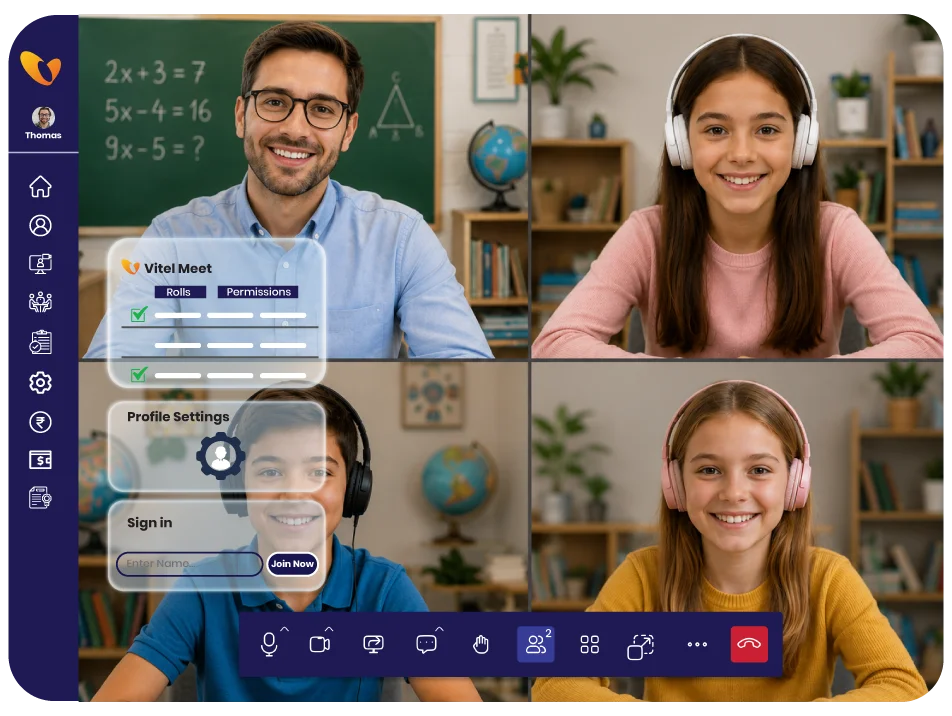
Screen and Content Sharing
Make academic sessions more visual, structured, and easier to follow.
Screen Sharing: Present lessons, reports, dashboards, assignments, and academic documents.
Application Sharing: Share selected applications during classes, reviews, and staff training.
File-Based Discussion: Use shared materials to support teaching, planning, and academic review.
Visual Collaboration: Help participants stay aligned during explanations, presentations, and decision-making.
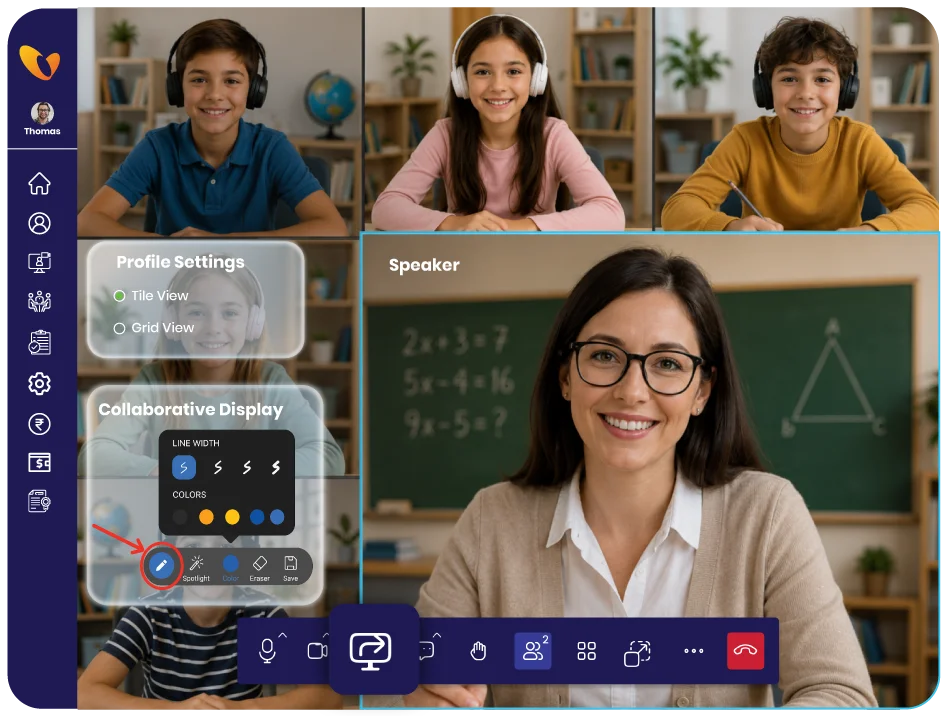
Secure and Controlled Education Meetings
Protect academic conversations with stronger access, moderation, and meeting governance.
Access Controls: Manage who can enter, participate, record, or view meeting content.
Smart Meeting Rooms: Organize sessions with better control over participants and meeting flow for conference room meeting for Education use cases.
Host Controls: Give teachers and administrators control over session activity.
Secure Meeting Access: Reduce unwanted access during classes, parent meetings, and internal discussions.
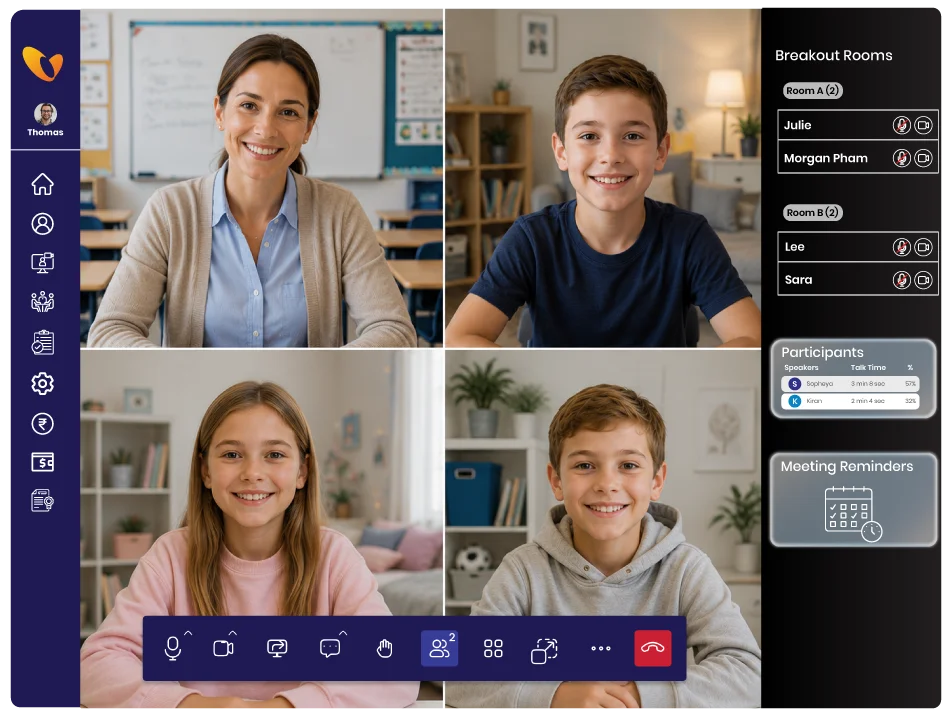
Virtual Learning Platform for Academic Collaboration
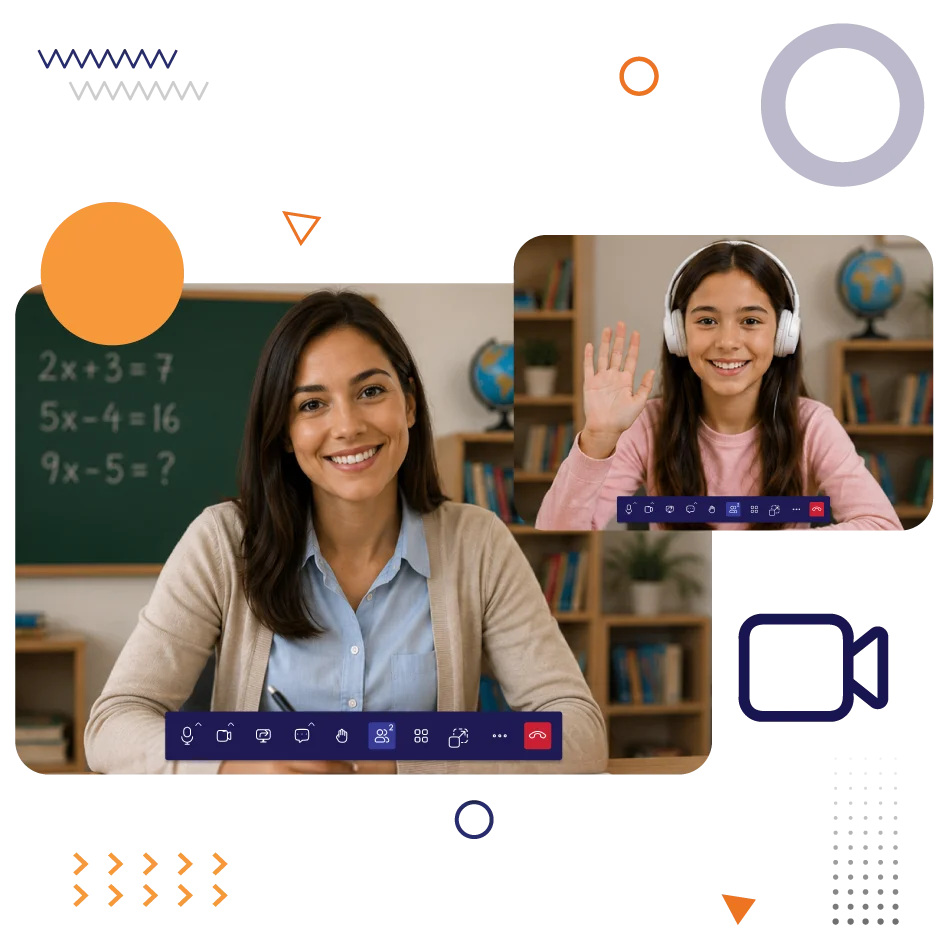
Academic HD Video Quality
Support clear virtual classes, faculty meetings, parent sessions, and academic discussions with a video meeting platform for Education teams.
Classroom Noise Cancellation
Reduce background distractions during teaching, training, and staff conversations.
Academic Screen Sharing
Present lessons, assignments, reports, dashboards, and academic materials instantly.
Academic AI Meeting Tools
Generate transcripts, notes, and summaries for faster session review with AI Meeting Notes & Summaries support.
Learning Live Subtitles
Improve accessibility during online classes, webinars, and academic meetings.
Class Recording Options
Record approved classes, training sessions, and reviews for future reference.
Engagement Speaker Stats
Track speaking time and participation across classes, meetings, and reviews.
Collaborative Breakout Rooms
Create smaller spaces for group learning, workshops, and focused discussions.
Benefits of Vitel Meet for Education Teams
Online Video Meeting Platform for
Education for Schools and Colleges
Use the following as sample outcome scenarios. Replace these metrics with verified internal results
before publishing as performance claims.
School Network
Class discussions and faculty notes were scattered.
AI transcripts and smart summaries captured key points.
Faster academic follow-ups.
University Department
Slow coordination across faculty and administrative teams.
Shared meeting records and smart rooms improved alignment.
Quicker academic decisions.
Online Learning Team
High documentation workload after virtual sessions.
AI summaries and transcripts reduced manual work.
Lower admin effort.
Connect Vitel Meet with the Tools Your Teams Already Use
Vitel Meet supports third-party integrations that help education teams keep classes, parent meetings, faculty reviews, training, and administrative meetings connected to daily workflows.



How a Video Conference Platform for Education Works
Meeting Setup
Teachers or staff create and schedule the meeting.
Participants Join
Students and faculty join using secure links.
Live Collaboration
Participants interact using video, audio, chat, and screen sharing.
Secure Education Video Meetings, Recordings
Secure Meeting Access
Role-Based User Management
Recording Control
Activity Visibility
Why Education Teams
Choose Vitel Meet
AI Meeting Intelligence
Transcripts, summaries, and insights for quick review.
Structured Meeting Management
Easy access, invites, and organized meeting workflows.
Better Meeting Accessibility
Transcription, recordings, and summaries for wider reach.
Institution Administration
User roles, controls, and dashboards for governance.

Frequently Asked Questions
Schools can use Vitel Meet for online classes, parent meetings, faculty discussions, staff training, webinars, student support sessions, leadership reviews, and meetings application for education needs.
Yes. Approved sessions can be recorded and downloaded for training, review, documentation support, or future academic reference.
Yes. Vitel Meet can generate AI meeting summaries, transcripts, and highlights to help teams review important discussions faster with ai meeting transcription education support.
Yes. Teachers can share screens, applications, presentations, reports, assignments, and learning materials during live sessions.
Administrators get better visibility into attendance, participant activity, meeting records, recordings, access controls, and overall meeting engagement.
Vitel Meet combines HD video meetings with AI summaries, transcripts, action items, meeting analytics, smart meeting rooms, recordings, user controls, integrations, and online meeting platform for Education capabilities.
Ready to Strengthen Your Academic Collaboration with Vitel Meet?
Vitel Meet helps schools, colleges, universities, and learning teams run virtual classes, faculty planning, parent communication, training, and webinars with AI transcripts, summaries, recordings, access controls, and analytics.