


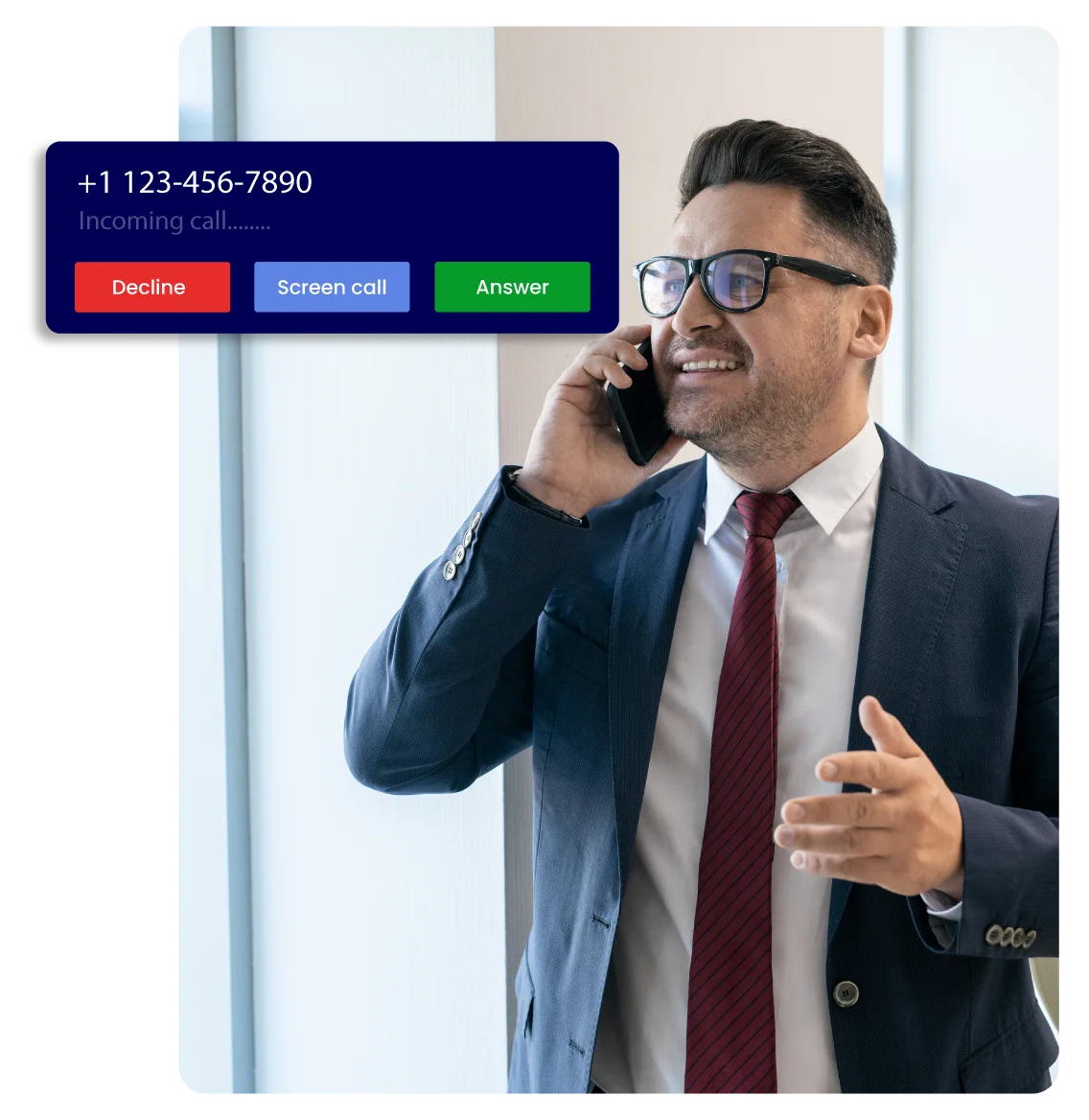

What is “Call Screening”?
Call Screening is a feature of a business phone system that allows the management and control of incoming calls effectively.
The phone call screener helps in deciding which call is important and which should be blocked by recognizing and filtering them before answering.
Now only focus on high-priority tasks without unnecessary interruptions.
Benefits of Call Screening
Vitel Global understands the importance of effective communication channels. Our Call Screening feature offers several benefits that can improve your business operations:
Increase Outcomes
Concentrate on important tasks by filtering unwanted calls and increasing the work outputs.
Block Unwanted Calls
Block spam calls, robocalls, and other unwanted calls to stop disruptions from undesirable sources.
Improved Customer Experience
Confirm that the clients are directed to the right department or person, improving their overall experience.
Better Interactions Online
Improve customer interactions with digital tools that work smoothly with the Call Screening service.
Virtual Receptionist
Direct and screen calls based on pre-set criteria and automate call handling with a virtual receptionist.
Ease of Use
Our user-friendly interface is easy to set up and manage Call Screening settings.
Control and Customization
Customize call handling settings according to your business needs and get full control over the communication process.
No Hidden Charges
Vitel Global offers transparent pricing and no hidden charges. So, you get to know exactly what you're paying for.
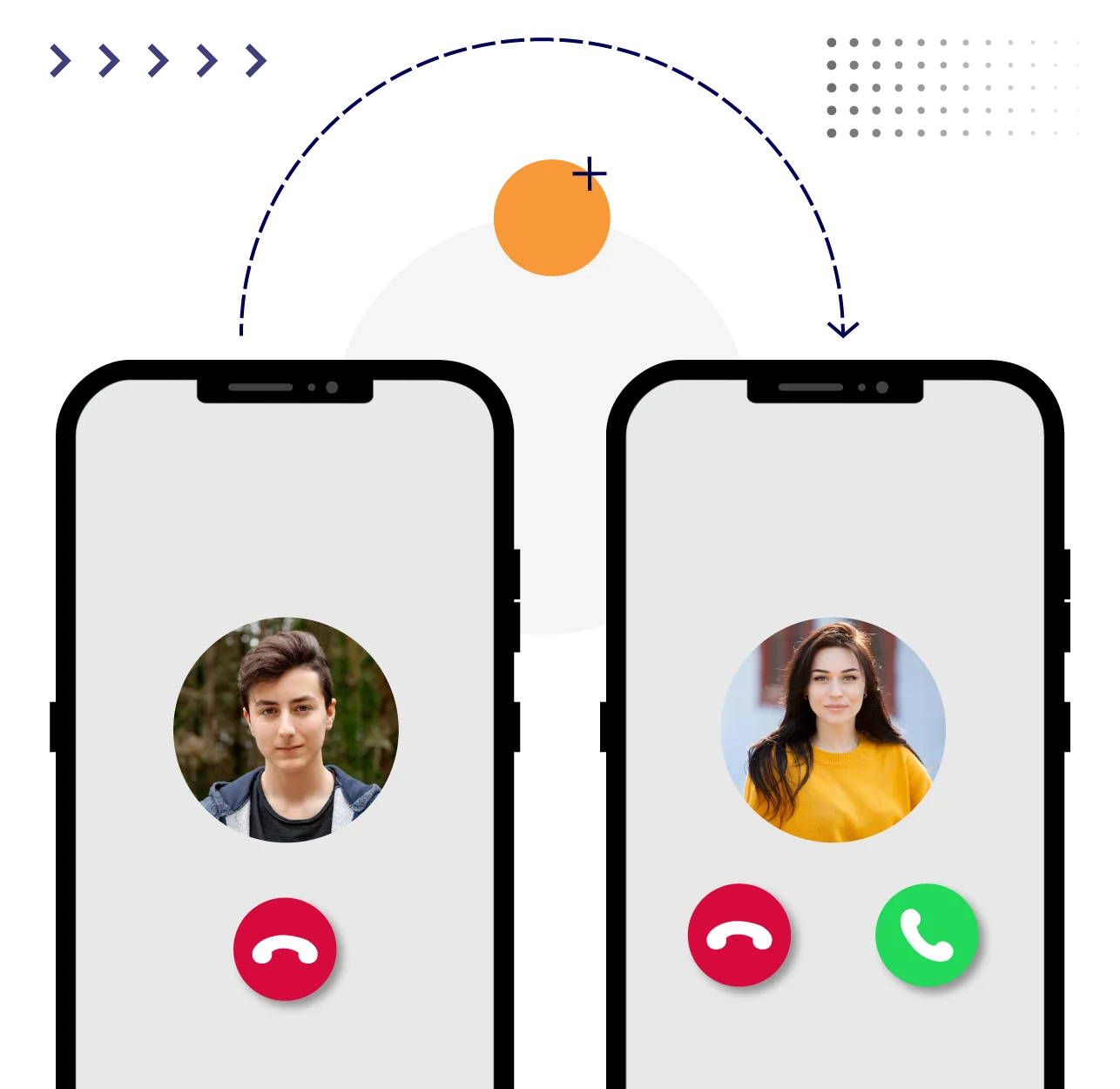
How the Call Screening Feature Works
Vitel Global Call Screening feature uses advanced algorithms to identify and screen calls based on your preferences.
Identifying Caller
The Call Screening App identifies incoming calls using an advanced Caller ID system.
Matching Criteria
Calls are matched according to preset criteria such as contacts, area codes, or caller types.
Call Handling
Calls can be forwarded, blocked, or sent to voicemail based on the criteria predefined.
Customizations
You can modify how different calls are handled, ensuring you never miss any important call.

How to Customize Your Call Screening Settings
Customizing your Call Screening settings with Vitel Global is quite simple. Follow these steps to modify the Call Screening feature as per your business needs:
Head to Settings
Log in to your Vitel Global account and navigate to the Call Screening settings.
Apply and Save
Lastly, apply your settings and save them.
Set Criteria
Pre-define the criteria for screening calls such as numbers, area codes, or caller names.
Choose Actions
Decide how the calls should be handled like forward to a specific department, block, or send to the voicemail.
Why Choose Vitel Global?
Choosing Vitel Global for Call Screening brings out several advantages:

App Integration
Get the ability to Integrate Call Screening with your existing business phone systems.

Reliable Network
Vitel Global guarantees a minimal downtime network to keep your business always online.

Customer Support
Our dedicated tech support is available 24/7 to solve your all technical issues or queries.

Affordability
Vitel Global offers personalized plans that serve a greater value for your investment.
Call Screening vs Call Blocking
Call Screening and Call Blocking aim to manage incoming calls but serve different purposes.
Call Screening filters the incoming calls based on predefined criteria whereas Call Blocking prevents unwanted calls from reaching you.
Both features when combined provide excellent control over the incoming calls.
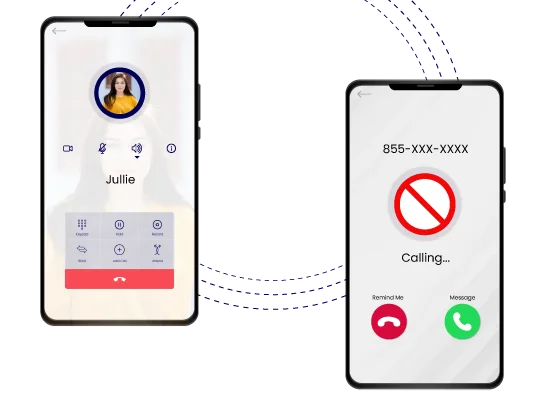
Other Features of Vitel Global Call Screening
In addition to basic call handling, Vitel Global's Call Screening offers several advanced features:
Call Extensions
Direct calls automatically to the relevant department or individuals.
Virtual Voicemail
You can manage voicemails virtually and decide where they land.
VoIP Calling
Leverage VoIP technology for clear and reliable call quality.
Call Waiting
Handle multiple calls efficiently with call waiting functionality.
Call Handling
You can select how the calls are managed like forwarded, blocked, or sent to voicemail.
Call Transfer
Transfer calls to other team members or departments very easily.
Do-Not-Disturb
Block all calls during important meetings or focus periods temporarily.
Integrations
Integrate with your preferred CRM, helpdesk, and other business tools for improved outcomes.
Want to check out the benefits of the Vitel Global Call Screening feature?
Don't wait—optimize your call management today!
Frequently Asked Questions
-
How can call screening to reduce time wasted?
Call Screening filters unwanted calls allows your team to focus on important tasks and reduces the time spent on unnecessary interruptions.
-
What other features can help with call screening?
Other helpful features include call routing, virtual voicemail, Do-Not-Disturb mode, and integration with CRM tools.
-
Does my business need call screening services?
Call Screening can help manage incoming communications more efficiently, improve customer service, and increase productivity If your business receives a high volume of calls.
-
Which devices support call screening?
Vitel Global Call Screening is compatible with various devices such as regular phones, smartphones, and virtual phones.
-
What is Caller ID?
Caller ID allows you to identify who is calling before you answer by displaying the caller's phone number and name.
-
How can I customize call screening criteria?
Customize criteria by logging into your Vitel Global account and defining specific rules for call handling based on caller ID, area codes, or other parameters.
-
Can I screen calls on my cell phone?
Vitel Global Call Screening feature can be used on your cell phone too providing control over your incoming calls.
-
How do I make my calls private?
You can make your calls private by enabling privacy settings in your Call Screening options. It ensures that your number is not displayed on the receiver end.
-
How do I get started with Call Screening for Vitel Global?
Getting started is easy. Sign up for a Vitel Global account, choose your Call Screening plan, and set up your preferences in the account dashboard.
-
How does Call Screening work?
Call Screening identifies and filters calls based on predefined criteria. This allows you to manage incoming calls efficiently.
-
How do I enable Call Screening?
Call Screening can be enabled by logging into your Vitel Global account. Then navigate to the Call Screening settings, and activate the feature.
-
How do I set up a recording?
You can access the Call Screening settings to set up a recording by selecting the option to record calls and following the on-screen instructions.
-
What is the cost of the Call Screening feature?
Vitel Global offers personalized call screening costs which vary based on your requirements. Visit our pricing page for detailed information on available plans and pricing.
-
Why is call screening valuable?
Screening calls helps to manage incoming communications by reducing interruptions, improving productivity, and enhancing the customer experience.

Call Us to Book Live Demo